
As a recruiter, it’s not every day that you stumble upon digital dirt. You know, that delightful mix of questionable content, eyebrow-raising comments, and “Did-they-really-post-that?” moments that show up when you’re evaluating a candidate’s online presence. But hey, the internet is forever, and digital dirt is the gift that keeps on giving. So, what exactly does a recruiter not want to see when they Google your name? Here’s a totally serious rundown.
1. The Party Photos – Oh Yes, Those Are Fun Nothing screams “professional” like a Facebook album entitled Spring Break: Cancun 2022. Remember, your future employer loves nothing more than seeing you shotgun a beer while standing on a table wearing neon swimwear and shades indoors. Bonus points if you’ve tagged your current employer in the post. Because nothing says “I’m responsible and ready for that leadership role” quite like a photo where you look like you’ve been awake for 72 hours straight, surviving solely on tequila shots and bad decisions.
2. Opinions. So. Many. Opinions. We get it; you’re passionate. But if your social media reads like the comment section of a political debate, that’s going to be a hard pass. Whether you’re firing off hot takes on the latest controversial issue or starting online feuds with strangers over whether pineapple belongs on pizza (it doesn’t, by the way), it might be time to dial it back. Recruiters are dying to hire someone who spends their weekends engaged in Twitter flame wars—said no recruiter ever.
3. “It’s Just a Meme, Bro” Memes are the spice of life, but when your LinkedIn profile picture is a meme or your Instagram is a shrine to questionable humor, we start to wonder if you’re here for the job or just for the lulz. Nothing raises professional red flags faster than a candidate whose social feed is a steady stream of SpongeBob memes mixed with the occasional inspirational quote that was probably posted unironically.
4. The “Entrepreneur” With No Business Your bio says you’re a CEO, founder, or influencer. Sounds impressive—until we realize your “company” has a single Instagram page with 12 followers, and your “brand” is an Etsy shop that sells homemade keychains. Listen, we appreciate the hustle, but maybe update that bio to “aspiring entrepreneur” so we know you’re still working on the whole empire-building thing.
5. Inappropriate Username Much? Ah yes, nothing quite captures a candidate’s credibility like an email address that reads “hotgirl4lyfe@yahoo.com” or “beerchugmaster1999@gmail.com.” Look, I’m sure beer chugging is a masterful skill, but recruiters are typically more interested in your project management skills. And your high school AIM username? Maybe it’s time to let that one go.
6. Public Venting About Your Current Job We love to see that you’re active on social media—unless you’re using it to trash your current job. Those “cryptic” Facebook statuses like “I work with idiots” and “Can’t wait to quit this joke of a job” aren’t as subtle as you think. And trust me, it gives us recruiters so much confidence that you’ll definitely be professional when it’s our company on the chopping block in your next post.
7. The Shameless Selfie Marathon Yes, we all appreciate a good selfie now and then, but when your entire online presence is a sea of perfectly angled, heavily filtered photos of yourself, it leaves recruiters wondering: do you spend more time looking for good lighting than on developing professional skills? Your digital footprint should reflect your career, not just your cheekbone game.
8. Grammar? Never Heard of Her. Last but certainly not least, there’s the issue of basic literacy. If your public posts are riddled with typos, incorrect “there/their/they’re” usage, and sentences that seem to be missing half the words, we can’t help but wonder what your emails might look like. Your potential employer might question if their company blog is safe in your hands when your latest tweet reads like, “I’m so exited 4 the weeeeeekend!!!!!!! ???.”
In Conclusion…
Before you hit “post” on that next rant, selfie, or meme, just remember: recruiters are out here, lurking in the digital shadows, ready to stumble upon your social media masterpiece. Keep that digital dirt off the internet, and maybe, just maybe, your online presence will help you get the job—not send your resume to the bottom of the pile faster than you can say “#YOLO.”
Some Food for Thought
So, what does your digital footprint say about you? If a recruiter were to scroll through your online presence right now, would they see the professional you want to portray—or is there some digital dirt you need to clean up?
NOTES
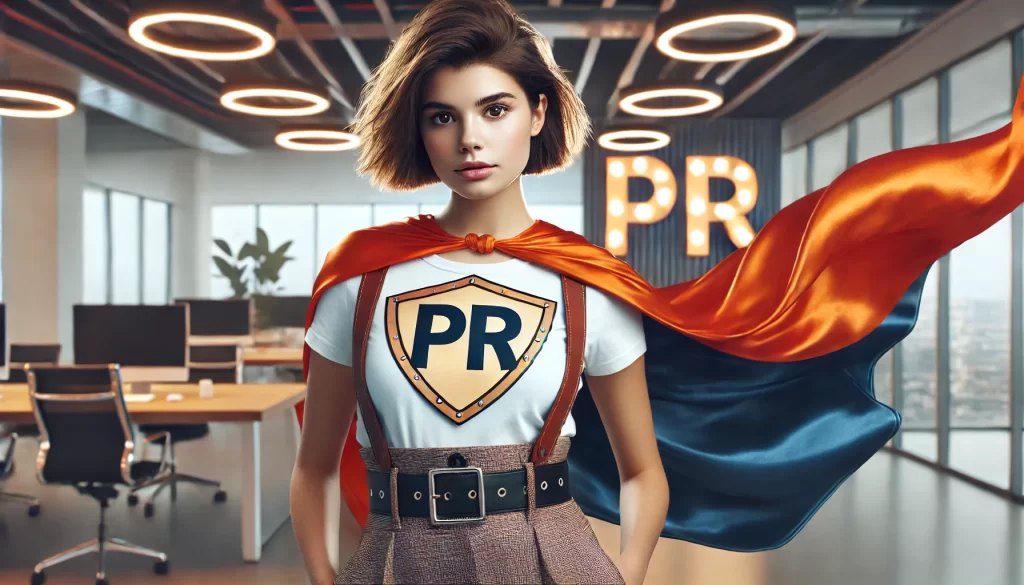
The framework of this article was based on a previous post of mine, enhanced by ChatGPT. WordPress created the image using AI. (And note the extra hand in the image!)